Transform Visitors into Customers: Create a Professional Landing Page on WordPress in a Few Steps!
Landing pages are essential for converting visitors into leads or customers, focusing attention on a single offer or call to action. In this guide, you will learn step by step how to create a landing page from scratch using WordPress, even if you have no prior development experience.
1. Introduction
In today’s digital landscape, having a well-structured landing page can significantly increase your conversions. Whether for capturing emails, promoting a product or service, or simply directing traffic to a specific offer, a well-planned landing page is indispensable. In this tutorial, we will cover everything from the initial planning to the publication and optimization of your page.
This article presents three easy and efficient methods for creating a landing page on WordPress. We will also explain how to identify the ideal moment to implement it on your site, maximizing your conversion opportunities and boosting your business growth.
How to Create a Conversion Page with Plugins on WordPress
A conversion page (or landing page) is designed to enhance marketing strategies, such as launching a new product. It can function independently or as an extension of your main website.
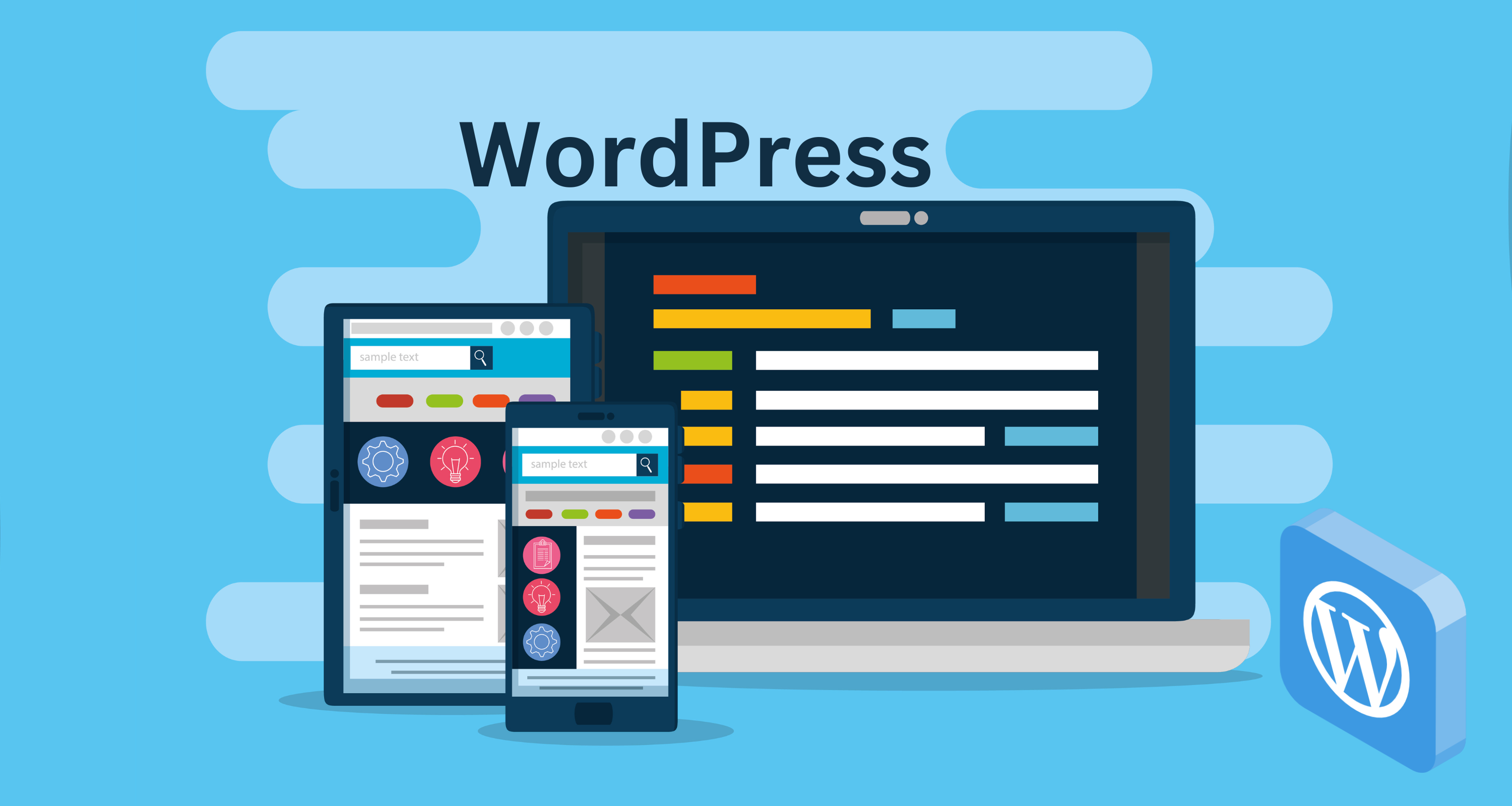
WordPress simplifies this process, allowing you to create both complete websites and optimized conversion pages for high performance.
One of the most effective ways to build a landing page is by using plugins. These tools enable even those without technical experience to create professional and attractive pages, thanks to intuitive drag-and-drop features and customizable templates.
2. What Is a Landing Page and Why Use It?
A landing page is a standalone page, free from distractions, created with a specific goal: converting visitors into leads or customers. Unlike traditional pages that present multiple links and information, a landing page focuses on a single action, such as filling out a form, clicking a "buy now" button, or downloading a resource.
Step-by-Step Guide to Creating a Landing Page on WordPress
We have selected some of the best landing page plugins available in the WordPress directory:
- Beaver Builder – An intuitive builder that works well with most WordPress themes.
- Templately – A library of ready-to-use templates with modern and customizable designs.
- Starter Templates – Ideal for those who want to start quickly with conversion-optimized templates.
For this tutorial, we will use Starter Templates to create a high-converting landing page on WordPress.
Step 1: Install the Starter Templates Plugin
- Access the WordPress admin panel.
- Go to the "Plugins" menu and click "Add New."
- Use the search box to find the Starter Templates plugin.
- Install and activate the plugin.
💡 Tip: Starter Templates work even better with the Astra Theme, offering seamless integrations and advanced customization options.
Step 2: Add a New Landing Page
Now, let’s choose the text editor to preview the templates we can work with.
Once Starter Templates is activated, follow these steps:
- In the main panel, click on "Starter Templates."
- Browse through the available templates, such as lead capture, sales, and thank-you pages.
- Select the template that best fits your goal and click "Import."
Step 3: Select and Customize Your Landing Page Template
Now that your landing page is added, choose a design within Starter Templates.
The plugin offers various ready-made designs, ideal for different marketing campaigns.
You can choose templates designed for landing pages, full websites, or online stores, depending on your needs.
Optimization Tip
When selecting a template, adjust the title, colors, and logo to ensure the page aligns with your site's visual identity. This will help improve your visibility in search engines and attract more visitors.
Main Benefits:
✅ Focus on conversion: Eliminates elements that may distract visitors.
✅ Performance tracking: Allows you to closely monitor the page's performance.
✅ Segmentation: Facilitates the creation of targeted offers for specific audiences.
3. Planning Your Landing Page
Before diving into the technical part, it’s important to define:
📌 Page objective: What action do you want visitors to take? (e.g., sign-up, purchase, download, etc.)
📌 Target audience: Who is your audience, and what are their needs and pain points?
📌 Offer and message: What value proposition will convince the visitor to take action?
📌 Essential elements: A compelling title, a clear description, relevant images or videos, testimonials, and a well-defined call-to-action (CTA).
4. Setting Up the WordPress Environment
4.1. Choosing and Installing WordPress
If you don’t have a website yet, start by installing WordPress on a hosting server. Many providers offer one-click installations, making the process easier.
4.2. Selecting a Theme
Choose a lightweight theme that is compatible with page builders. Themes like Astra, OceanWP, or GeneratePress are excellent options for landing pages as they offer high customization and performance.
4.3. Essential Plugins
To simplify the creation and customization of your landing page, consider installing:
🛠 Elementor (or another page builder): Allows you to create layouts by dragging and dropping elements without coding.
📩 Form plugins: Such as Contact Form 7 or WPForms, to integrate contact or sign-up forms.
⚡ Optimization plugins: Like Yoast SEO, to improve search engine optimization (SEO).
5. Creating the Landing Page: Step by Step
5.1. Setting Up the Page
🔹 Create a new page: In the WordPress dashboard, go to “Pages” > “Add New.” Name your landing page accordingly.
🔹 Choose the page template: Many themes and page builders offer "no header and footer" templates to eliminate distractions. Select this option if available.
5.2. Using a Page Builder
If you choose Elementor (or similar), follow these steps:
🖊 Activate the visual editor: Click “Edit with Elementor.”
📌 Add sections and widgets: Start with a header section where you include a compelling title and a brief description.
🖼 Insert images or videos: Use visual elements that reinforce your message. Be sure to optimize images to maintain fast load speeds.
📩 Contact form: Add a sign-up or contact form widget, configuring the necessary fields to capture visitor information.
🚀 Call-to-action button (CTA): Create a button with persuasive text, such as “Learn More,” “Download Now,” or “Get Started.”
5.3. Customizing the Design
🎨 Colors and fonts: Use a color palette that matches your brand’s visual identity and provides enough contrast for easy reading.
📏 Spacing and hierarchy: Ensure that each element has enough space to "breathe." A well-defined visual hierarchy helps guide the visitor's eye.
🛡 Social proof elements: Add testimonials, reviews, or client logos to enhance the credibility of your offer.
6. Optimizing the Landing Page for Conversions
6.1. A/B Testing
Experiment with different versions of headlines, images, and CTAs to identify which combination generates more conversions. Tools like Google Optimize can be helpful in this process.
6.2. SEO and Speed
📈 SEO Optimization: Use relevant keywords and optimize meta descriptions and titles.
⚡ Loading speed: Implement optimization techniques such as image compression and caching to ensure fast page loading times.
6.3. Analyzing Results
Use tools like Google Analytics to monitor visitor behavior and identify areas for improvement. Track metrics such as conversion rate, time on page, and bounce rate.
7. Publishing and Promoting Your Landing Page
After testing and fine-tuning all elements, it's time to publish your landing page. Remember to:
📢 Promote it on social media: Share your page on platforms like Facebook, Instagram, LinkedIn, and Twitter.
💰 Invest in ads: Consider using paid campaigns to drive qualified traffic to your page.
📊 Continuously monitor: The success of a landing page depends on ongoing adjustments based on results. Keep an eye on metrics and be ready to make improvements.
8. When Should You Use a Landing Page?
Knowing when to use a landing page is essential to maximizing this strategy and boosting your results. Here are some key scenarios where a landing page can make a huge difference:
Capturing Qualified Leads
If your goal is to grow your contact base and attract potential customers, a landing page is the ideal tool. With a well-structured form and a compelling offer, you can capture essential visitor information, such as name and email, for use in your marketing strategies.
Launching Products or Services
Are you preparing to launch a new product or service? A landing page can be the perfect solution to present your offer’s benefits clearly and effectively, creating a sense of urgency and encouraging conversions.
Paid Campaigns and Ads
If you invest in paid traffic, such as Google Ads or social media ads, directing visitors to an optimized landing page can significantly increase conversion rates. This is because the page keeps the focus on the message and removes distractions, leading users directly to the desired action.
Offering Free Resources
E-books, guides, webinars, and other valuable resources are great tools for attracting leads. With a landing page, you can offer these materials in exchange for visitor information, creating opportunities to nurture relationships and strengthen your authority in the market.
Events and Registrations
If you’re promoting an online or in-person event, a landing page is ideal for sharing event details, explaining the benefits of participation, and encouraging registrations. This helps you manage attendees more effectively and ensure your message reaches the right audience.
With so many opportunities, it’s clear that a well-planned landing page not only increases conversions but also strengthens your digital marketing strategies. By using it strategically, you can boost your results and create a more effective experience for your audience.
9. Conclusion
Building a landing page from scratch in WordPress may seem challenging, but with the right planning and tools, you can create an effective and engaging page for your audience. Be sure to clearly define your objectives, invest in a clean and optimized design, and conduct continuous testing to improve results. With dedication, your landing page will become a powerful conversion and growth tool for your business.